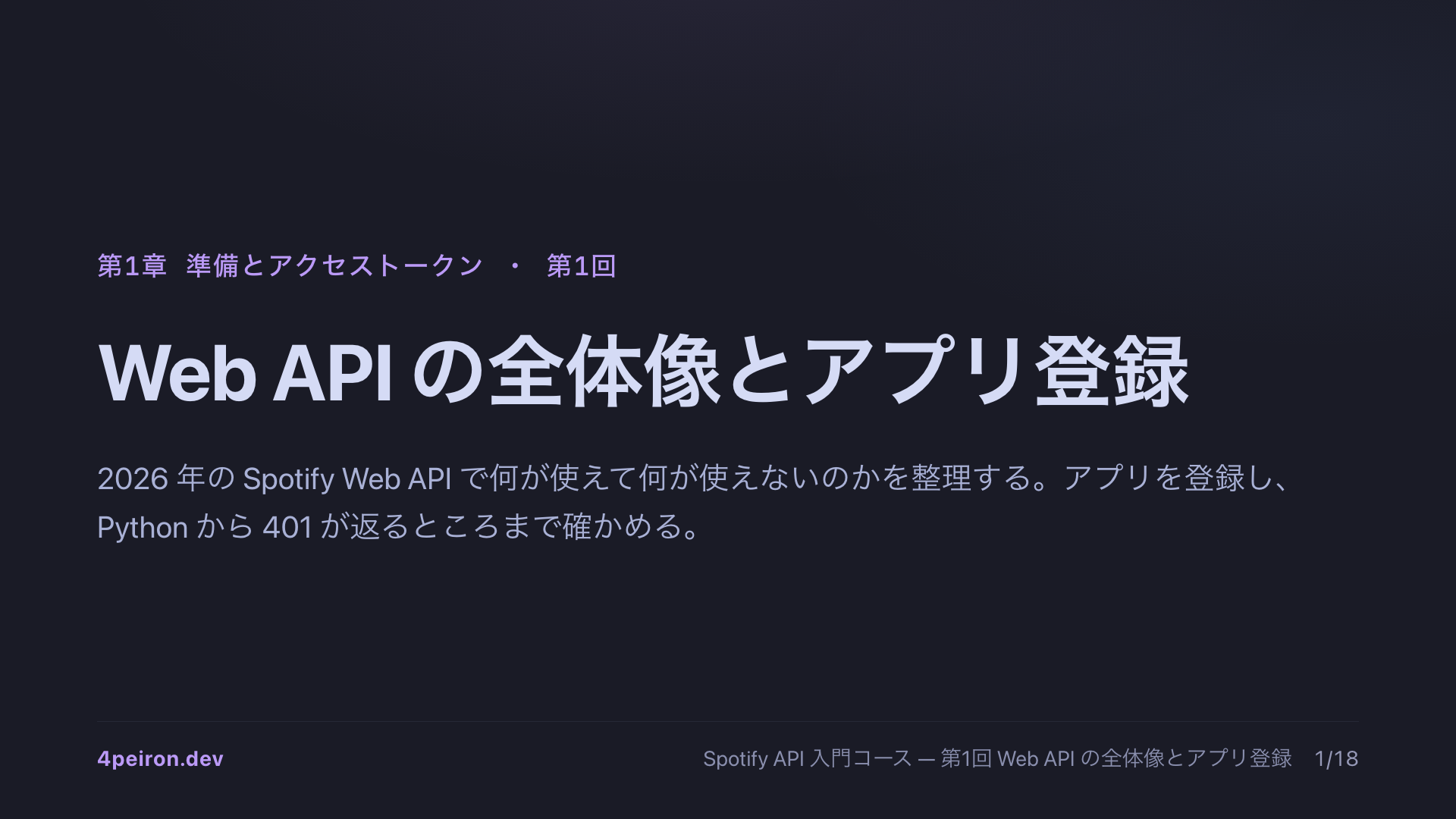
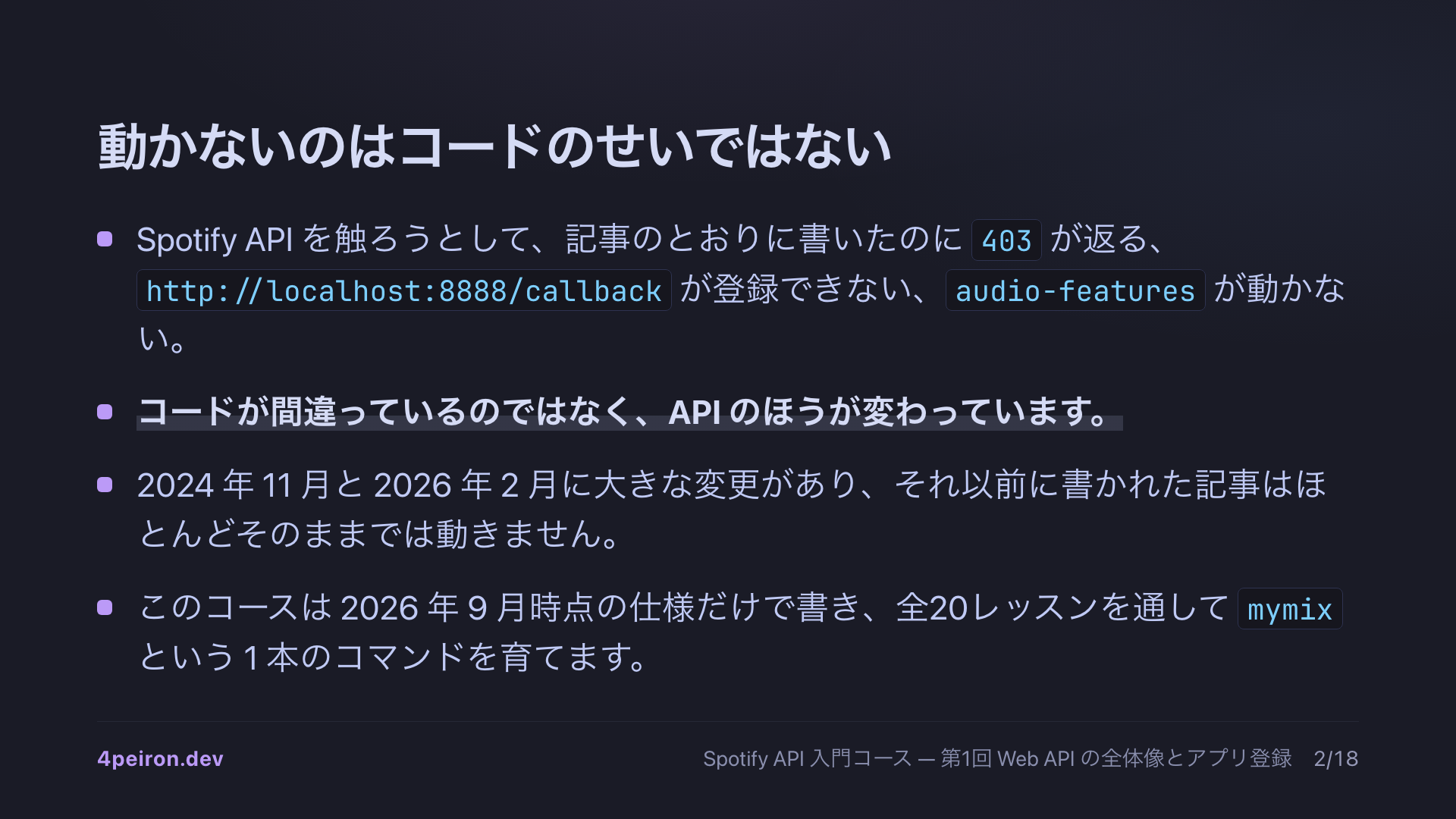
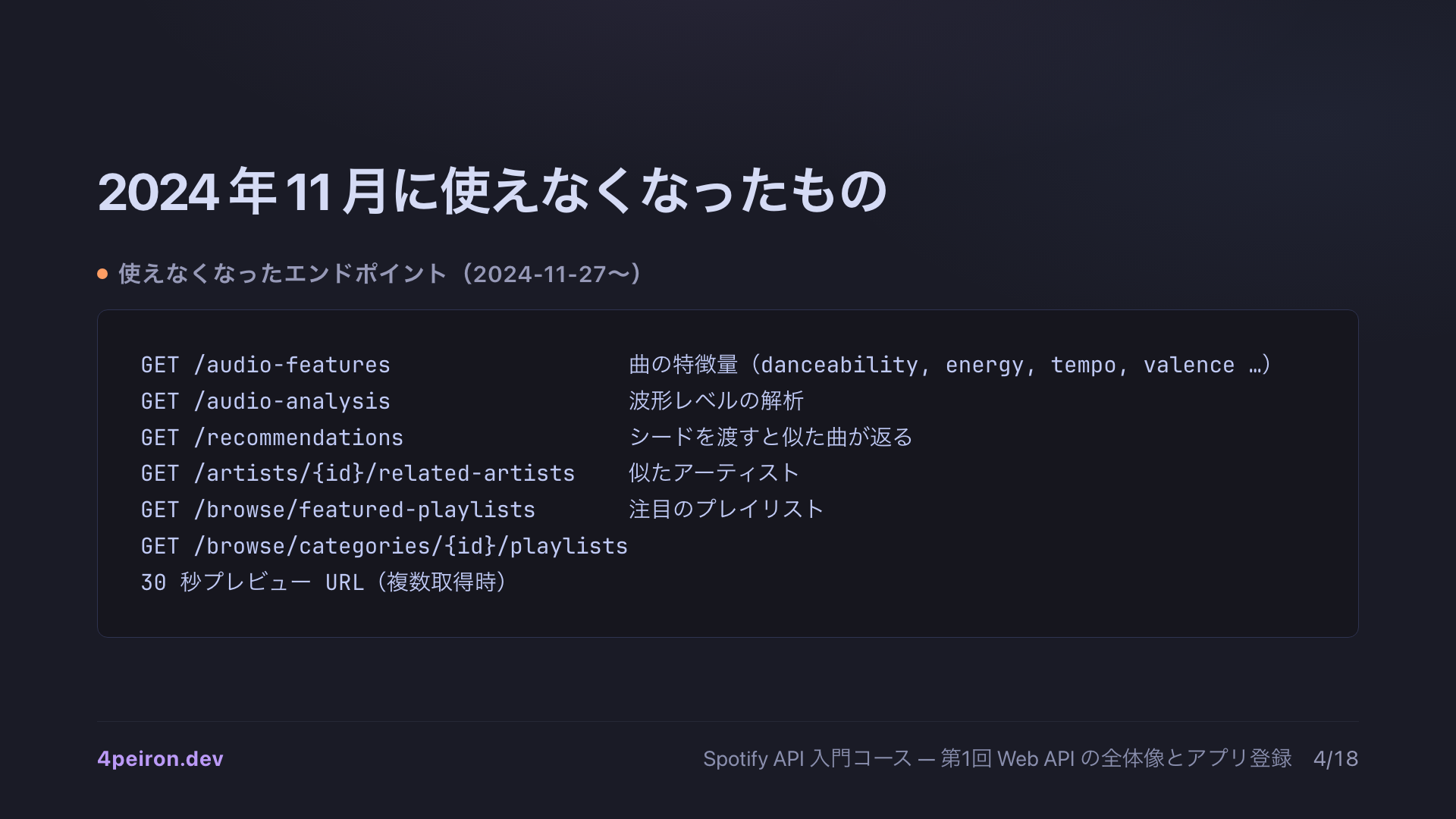
20 lessons, 381 slides. Each lesson's text and code as one deck (the slides are in Japanese).
Version 1 (made 2026-11-06)
Please log in to use a coupon code. You can also enter a promotion code on the payment page (Stripe).
Samples
What's included
slides.pdf — One slide per page. For checking or printing
png/ — 1920×1080 images, ready to drop into a video editor
index.html — Open in a browser to present. Press P for the presenter view (notes, next slide, elapsed time)
Each lesson has its own folder. The lesson text is kept as is, so what to say appears in the presenter notes.
How you may use them
Your own study
Classes, lectures and study groups you teach yourself
In-house training at your own company or organization
On screen in videos you record yourself for those classes or trainings
Editing the wording or reordering slides for those uses
Handing out the slide files themselves (PDF, PNG, HTML) to learners or anyone else
Selling the slides, or edited versions of them, or including them in paid materials
Posting them anywhere public (websites, social media, public videos on video sites, etc.)
Removing the 4peiron.dev credit and presenting them as your own work
4peiron.dev keeps the copyright. What you buy is the right to use the slides as described above. The same terms are in README.txt inside the ZIP.
Contents
1
Web API の全体像とアプリ登録
18 slides
2
アクセストークンを取る(Client Credentials)
18 slides
3
最初の GET と ID・URI・URL
18 slides
4
検索とクエリフィルタ
17 slides
5
ページネーション(next を辿る)
17 slides
6
エラー処理とレート制限(429)
34 slides
7
PKCE の仕組みと同意画面の URL
20 slides
8
認可コードを 127.0.0.1 で受け取る
17 slides
9
リフレッシュトークンとトークンストア
21 slides
10
プロフィールとトップアイテム
14 slides
11
再生履歴とカーソルページング
17 slides
12
ライブラリ API の統合(/me/library)
16 slides
13
プレイリストを作る(POST /me/playlists)
14 slides
14
プレイリストに曲を追加する
16 slides
15
プレイリストを読む・整理する
17 slides
16
再生を操作する(Premium と端末)
16 slides
17
廃止された推薦を自分で作り直す
32 slides
18
SQLite キャッシュと snapshot_id
19 slides
19
テストを書く(responses で 429 を再現する)
19 slides
20
CLI 化・定期実行・配布と規約
21 slides
The lesson text is on the course page. Slides are sold separately from the membership; members also need to buy them. Refunds follow the Terms of Service.