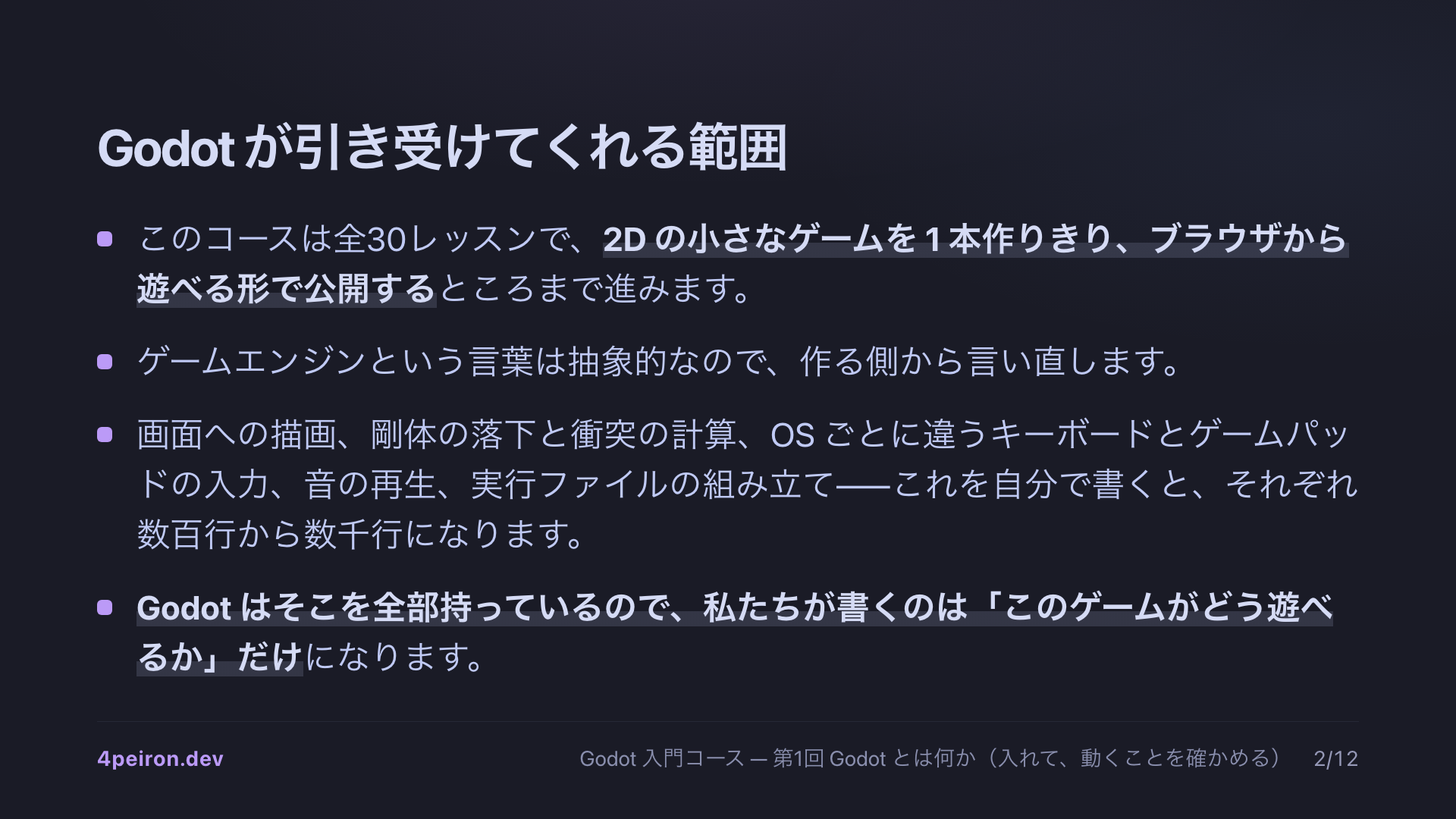
30 lessons, 363 slides. Each lesson's text and code as one deck (the slides are in Japanese).
Version 1 (made 2026-11-06)
Please log in to use a coupon code. You can also enter a promotion code on the payment page (Stripe).
Samples
What's included
slides.pdf — One slide per page. For checking or printing
png/ — 1920×1080 images, ready to drop into a video editor
index.html — Open in a browser to present. Press P for the presenter view (notes, next slide, elapsed time)
Each lesson has its own folder. The lesson text is kept as is, so what to say appears in the presenter notes.
How you may use them
Your own study
Classes, lectures and study groups you teach yourself
In-house training at your own company or organization
On screen in videos you record yourself for those classes or trainings
Editing the wording or reordering slides for those uses
Handing out the slide files themselves (PDF, PNG, HTML) to learners or anyone else
Selling the slides, or edited versions of them, or including them in paid materials
Posting them anywhere public (websites, social media, public videos on video sites, etc.)
Removing the 4peiron.dev credit and presenting them as your own work
4peiron.dev keeps the copyright. What you buy is the right to use the slides as described above. The same terms are in README.txt inside the ZIP.
Contents
1
Godot とは何か(入れて、動くことを確かめる)
12 slides
2
エディタの見方とプロジェクトの形
12 slides
3
シーンとノード(木の形でゲームを作る)
12 slides
4
GDScript の文法(変数・関数・制御構文)
12 slides
5
Python との違い(同じ見た目で違う結果になる箇所)
13 slides
6
スクリプトを付けて動かす(_ready と _process)
13 slides
7
入力を受け取る(InputMap とアクション)
12 slides
8
Sprite2D と座標(描く・並べる・重ねる)
12 slides
9
CharacterBody2D で歩く(move_and_slide)
12 slides
10
重力とジャンプ(is_on_floor と初速の決め方)
12 slides
11
Area2D で当たり判定(コインを拾う)
12 slides
12
シグナル(ノードどうしを直接つながない)
12 slides
13
シーンを切り替える(タイトルからゲームへ)
12 slides
14
オートロードでスコアと状態を持つ
12 slides
15
PackedScene で敵を増やす(instantiate と queue_free)
12 slides
16
敵を自動で出す(Timer と乱数)
12 slides
17
TileMapLayer でステージを作る
12 slides
18
衝突レイヤーとマスク(当たらないときはここを見る)
12 slides
19
音を鳴らす(AudioStreamPlayer とバス)
12 slides
20
Control ノードとアンカー(画面幅が変わっても崩れない)
12 slides
21
HUD を作る(CanvasLayer とスコア表示)
12 slides
22
メニュー画面(ボタン・フォーカス・ポーズ)
12 slides
23
セーブデータ(JSON と user://)
14 slides
24
@export と Resource(数字をコードから追い出す)
12 slides
25
3D シーンの作り方(2D で覚えたことの対応表)
12 slides
26
カメラとライト(3D が真っ黒になる理由)
12 slides
27
【実践】3D で箱を歩かせる(CharacterBody3D)
11 slides
28
エクスポート(他人が遊べる形にする)
12 slides
29
Web に出して公開する
12 slides
30
Unity・Unreal との使い分けと、この先
12 slides
The lesson text is on the course page. Slides are sold separately from the membership; members also need to buy them. Refunds follow the Terms of Service.