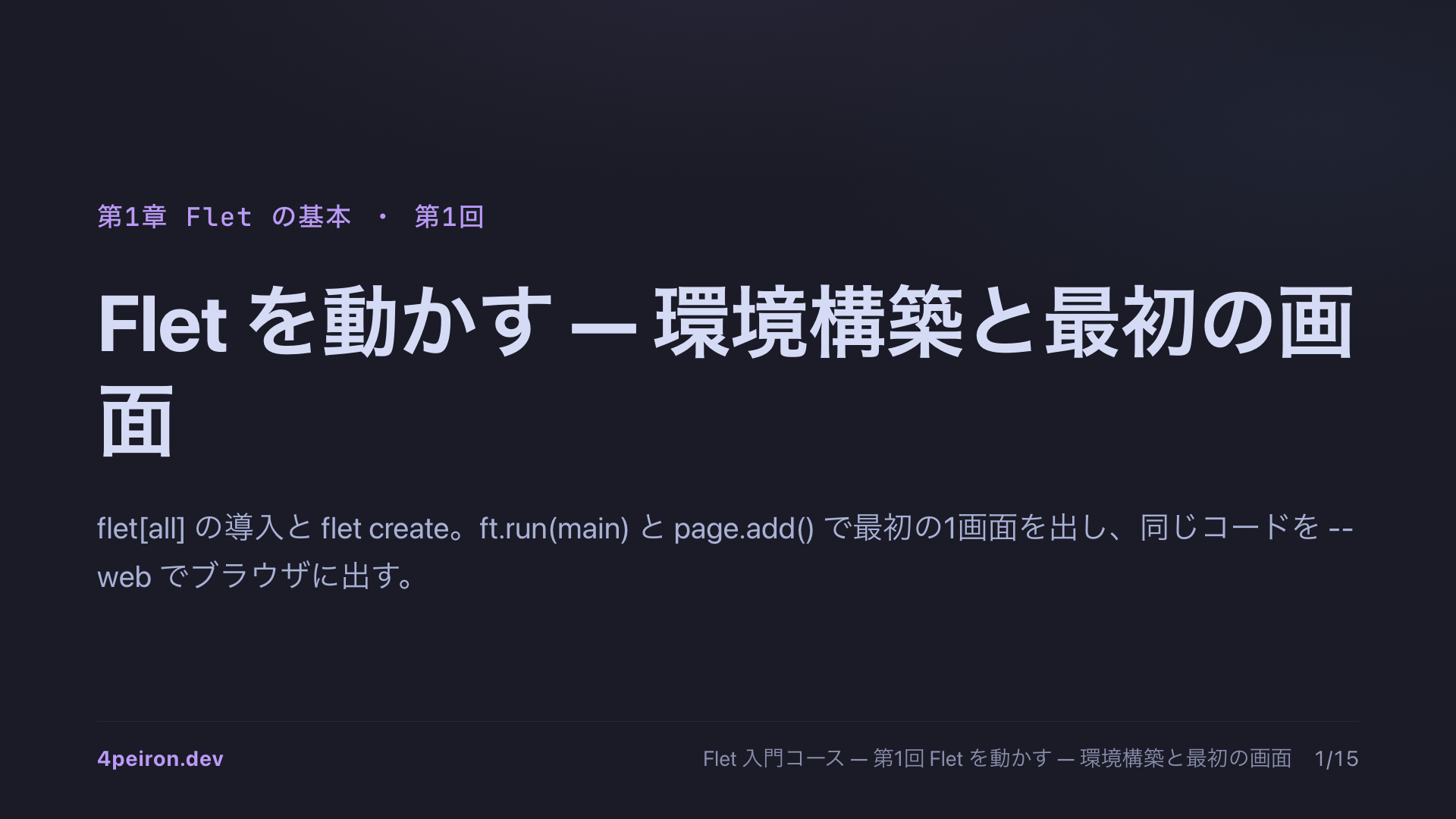
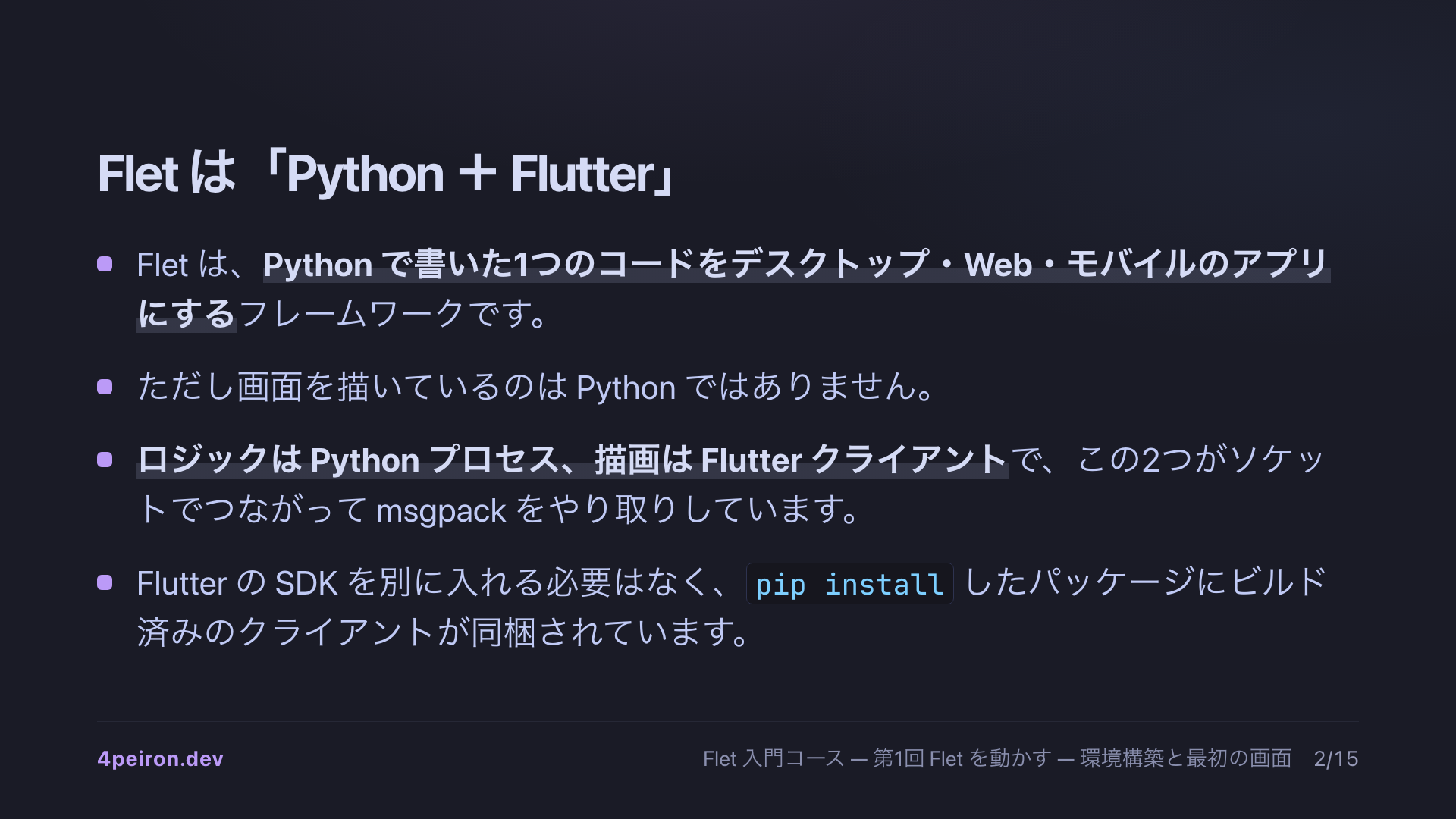
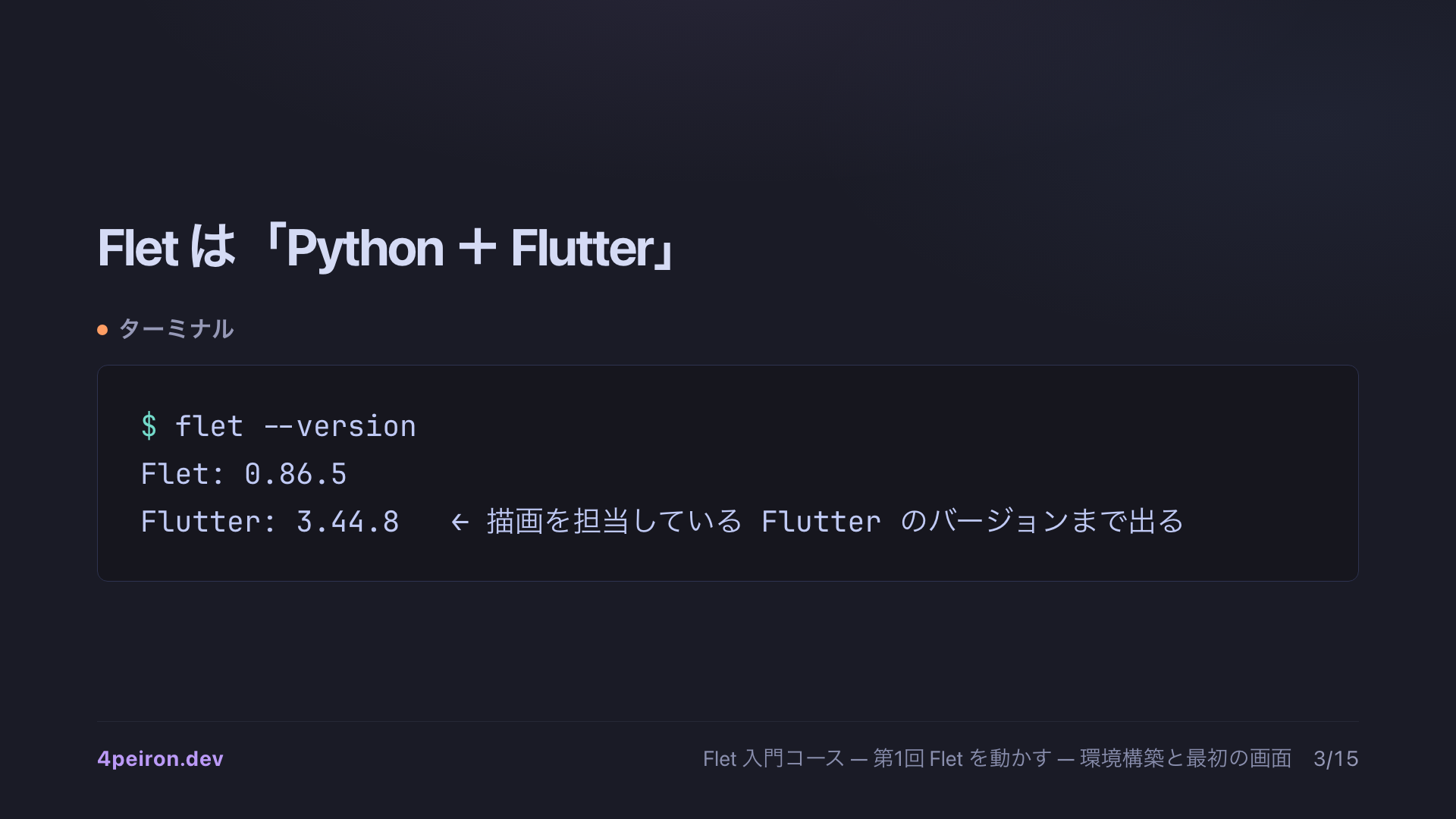
20 lessons, 331 slides. Each lesson's text and code as one deck (the slides are in Japanese).
Version 1 (made 2026-11-06)
Please log in to use a coupon code. You can also enter a promotion code on the payment page (Stripe).
Samples
What's included
slides.pdf — One slide per page. For checking or printing
png/ — 1920×1080 images, ready to drop into a video editor
index.html — Open in a browser to present. Press P for the presenter view (notes, next slide, elapsed time)
Each lesson has its own folder. The lesson text is kept as is, so what to say appears in the presenter notes.
How you may use them
Your own study
Classes, lectures and study groups you teach yourself
In-house training at your own company or organization
On screen in videos you record yourself for those classes or trainings
Editing the wording or reordering slides for those uses
Handing out the slide files themselves (PDF, PNG, HTML) to learners or anyone else
Selling the slides, or edited versions of them, or including them in paid materials
Posting them anywhere public (websites, social media, public videos on video sites, etc.)
Removing the 4peiron.dev credit and presenting them as your own work
4peiron.dev keeps the copyright. What you buy is the right to use the slides as described above. The same terms are in README.txt inside the ZIP.
Contents
1
Flet を動かす — 環境構築と最初の画面
15 slides
2
コントロールと page.controls
13 slides
3
Row と Column — expand で余白を引き取る
14 slides
4
Container で見た目を作る
15 slides
5
イベントと状態更新の仕組み
15 slides
6
TextField とバリデーション
16 slides
7
選択系コントロールの使い分け
14 slides
8
ListView と Dismissible で一覧を作る
28 slides
9
component と use_state で宣言的に書く
16 slides
10
use_effect・use_memo・use_ref
15 slides
11
Observable と Context で状態を1か所に
31 slides
12
Router で画面を分ける
16 slides
13
AppBar とナビゲーション
14 slides
14
ダイアログと SnackBar
15 slides
15
テーマとダークモード
14 slides
16
レスポンシブとアダプティブ
16 slides
17
データの永続化
16 slides
18
非同期処理と外部 API
16 slides
19
グラフと DataTable
15 slides
20
flet build で配布する
17 slides
The lesson text is on the course page. Slides are sold separately from the membership; members also need to buy them. Refunds follow the Terms of Service.