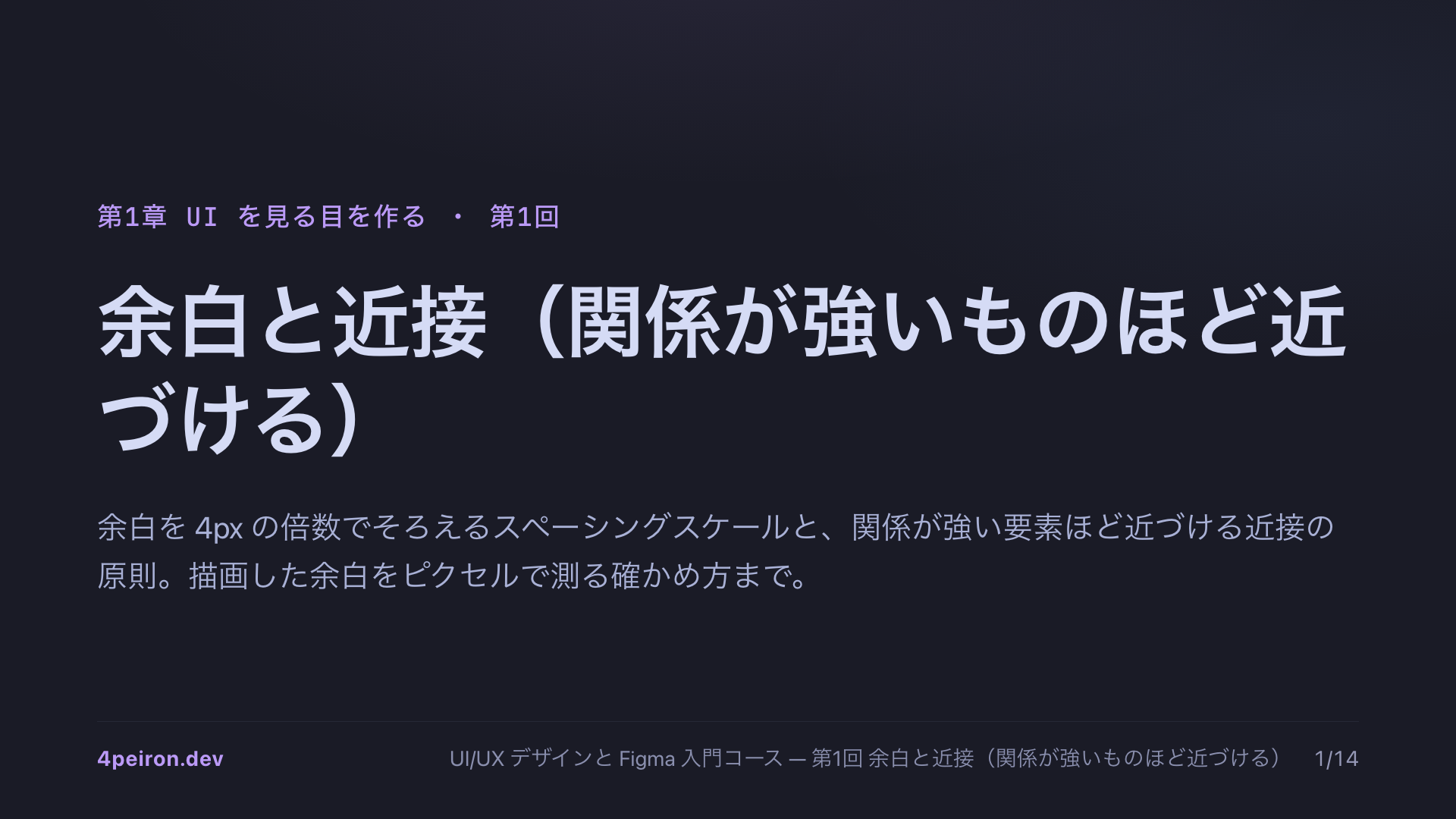
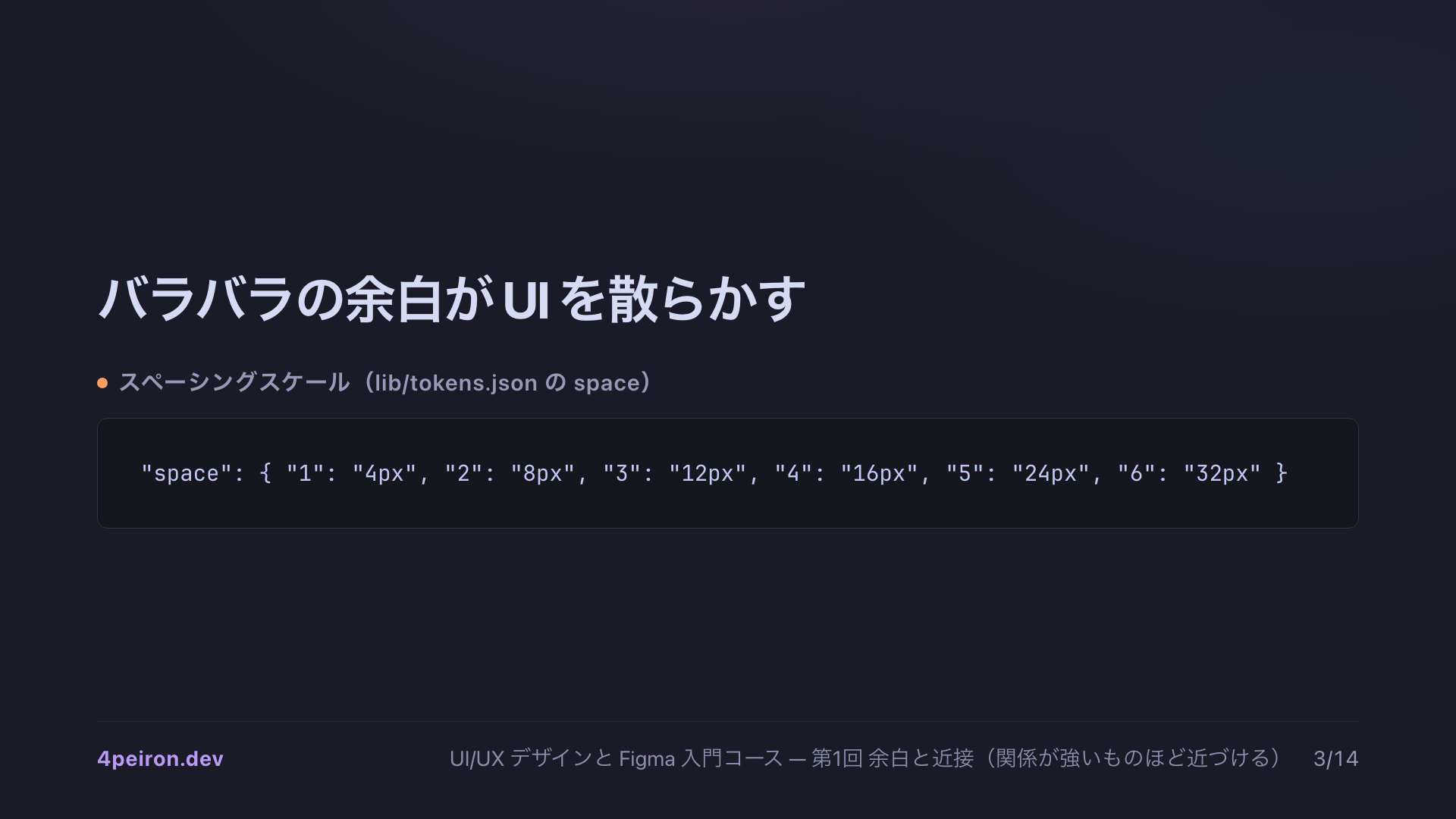
20 lessons, 258 slides. Each lesson's text and code as one deck (the slides are in Japanese).
Version 1 (made 2026-11-07)
Please log in to use a coupon code. You can also enter a promotion code on the payment page (Stripe).
Samples
What's included
slides.pdf — One slide per page. For checking or printing
png/ — 1920×1080 images, ready to drop into a video editor
index.html — Open in a browser to present. Press P for the presenter view (notes, next slide, elapsed time)
Each lesson has its own folder. The lesson text is kept as is, so what to say appears in the presenter notes.
How you may use them
Your own study
Classes, lectures and study groups you teach yourself
In-house training at your own company or organization
On screen in videos you record yourself for those classes or trainings
Editing the wording or reordering slides for those uses
Handing out the slide files themselves (PDF, PNG, HTML) to learners or anyone else
Selling the slides, or edited versions of them, or including them in paid materials
Posting them anywhere public (websites, social media, public videos on video sites, etc.)
Removing the 4peiron.dev credit and presenting them as your own work
4peiron.dev keeps the copyright. What you buy is the right to use the slides as described above. The same terms are in README.txt inside the ZIP.
Contents
1
余白と近接(関係が強いものほど近づける)
14 slides
2
タイポグラフィ(モジュラースケールで段階を付ける)
13 slides
3
色とコントラスト(読める色を比で決める)
14 slides
4
良い UI を分解する(なんとなくを言葉にする)
24 slides
5
フレームとレイヤー(入れ物と重なり)
12 slides
6
Auto Layout と Flexbox(中身の増減に追従する並べ方)
12 slides
7
コンポーネントとバリアント(1 つの部品に種類とサイズを持たせる)
12 slides
8
スタイル(色と文字を共有して一括で変える)
11 slides
9
情報設計(見出しの階層で構造を伝える)
10 slides
10
ワイヤーフレーム(色を捨てて領域と並びを決める)
10 slides
11
状態設計(空・読み込み中・エラーも最初から描く)
13 slides
12
レスポンシブ(幅に合わせて列数を変える)
11 slides
13
デザイントークン(色や余白を名前つきの値にする)
12 slides
14
命名規則(グループ-意味でそろえる)
12 slides
15
開発者への受け渡し(トークンの対応表を渡す)
11 slides
16
CSS への落とし込み(トークンだけでボタンを組む)
24 slides
17
プロトタイプ(画面をつないで流れを試す)
10 slides
18
ユーザビリティテスト(タスクを終えられるかを見る)
11 slides
19
アクセシビリティ(代替テキスト・ラベル・コントラスト)
11 slides
20
改善のまわし方(計測 → 発見 → 直す → 再計測)
11 slides
The lesson text is on the course page. Slides are sold separately from the membership; members also need to buy them. Refunds follow the Terms of Service.